Gaming for Non-Gamers

Personal  ·  Product Design ·  Website

Figma  ·  HTML  ·  CSS  ·  Replit  ·  Illustrator  ·  Photoshop  ·  Premiere

OVERVIEW

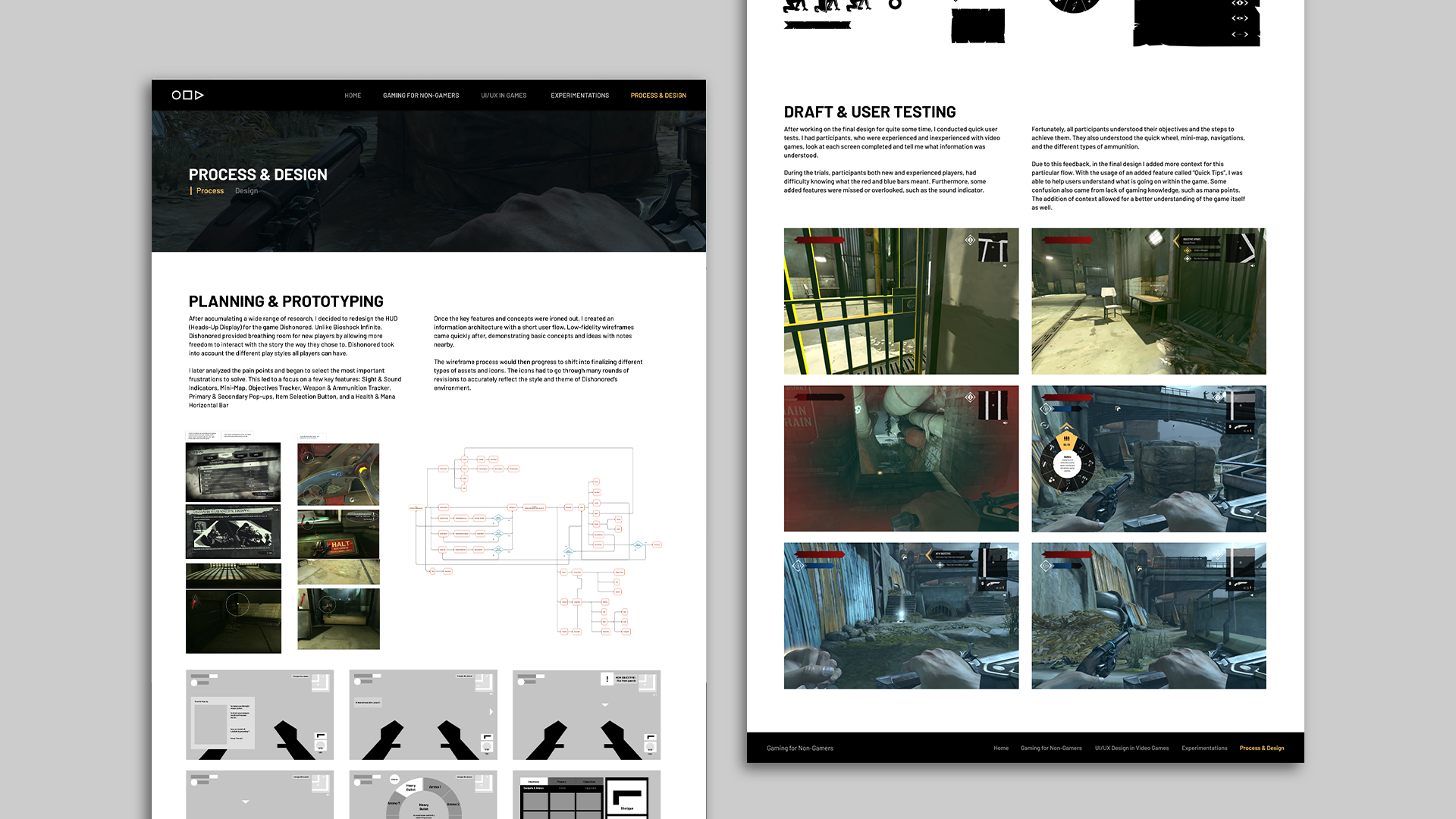
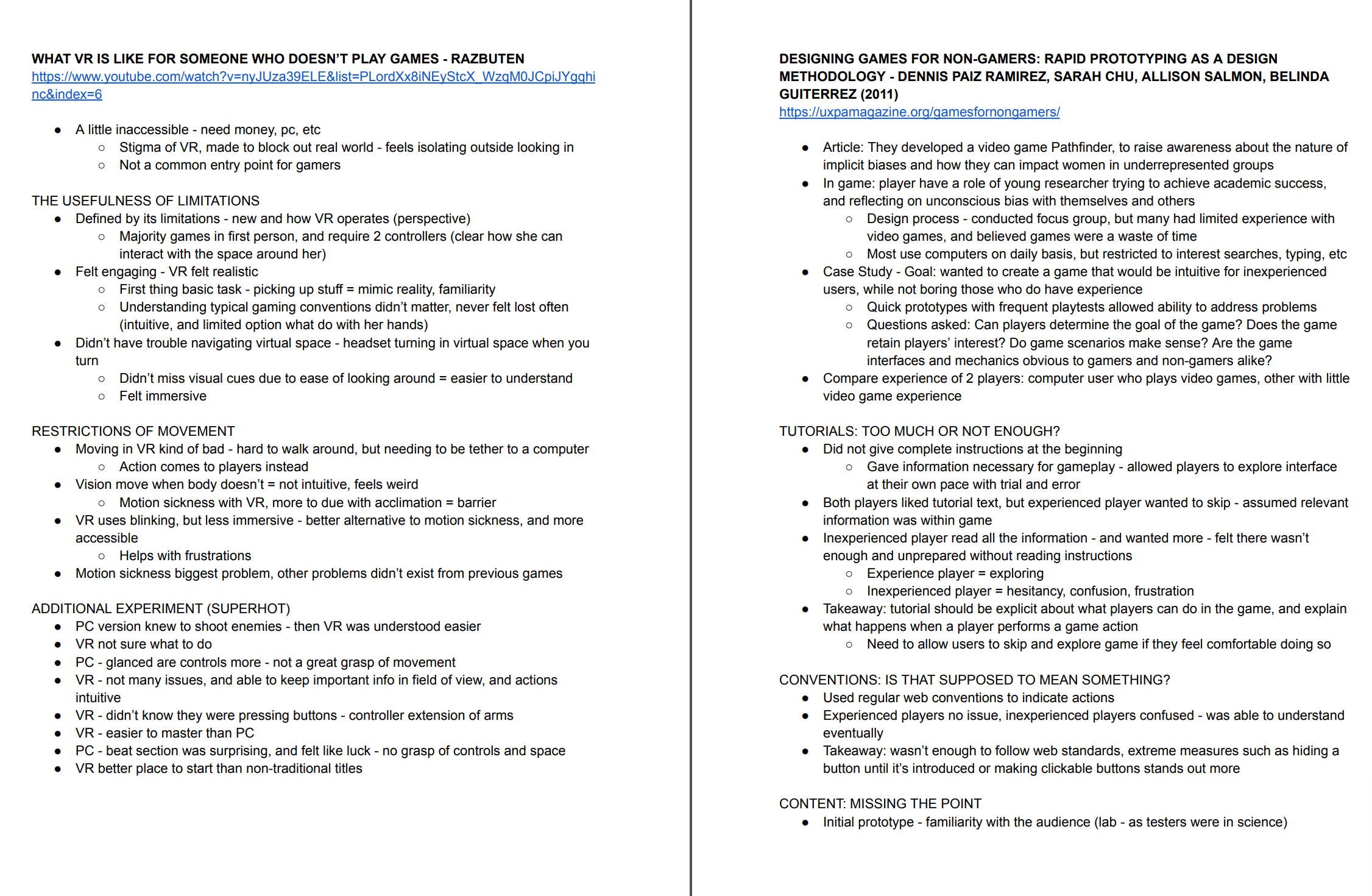
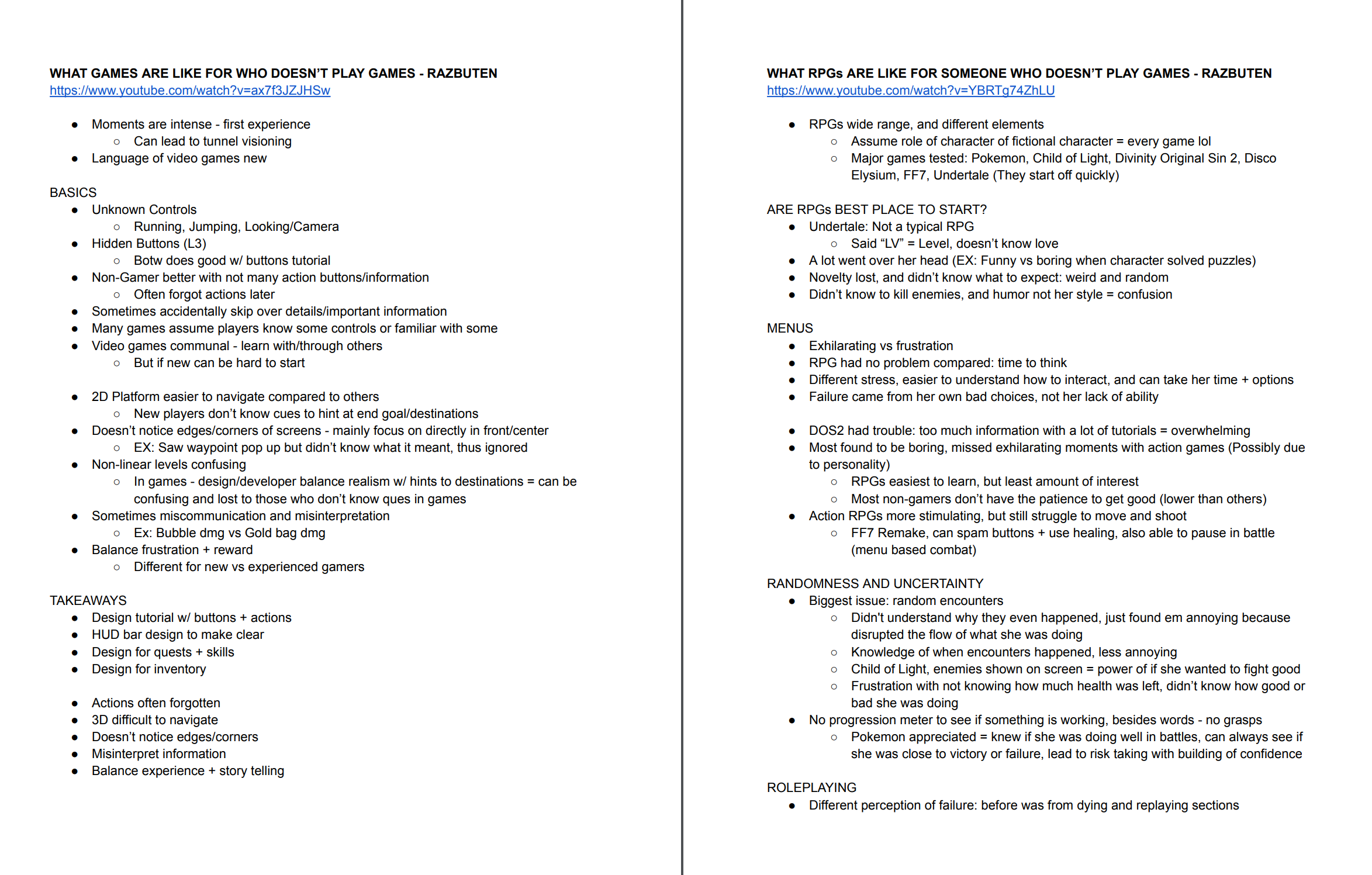
While researching for my senior degree project, I found lots of concepts surrounding the idea of “Gaming for a Non-Gamer”. This idea and theme refers to how “non-gamers”, or those who haven’t played video games before, may respond differently than those who are “gamers”.To showcase what I discovered in greater detail, I decided to log all of my research and project into a designed website.

GOALS

Design and showcase all of my research around “Gaming for Non-Gamers” onto a designed and coded website.

CHALLENGE

Creating digestible information and coding a multi-page website that is accessible to the public.

RESEARCH

Phase 1: Digging Deeper
For about 2 months, I researched heavily into the following topics: UI / UX design within video games, different design components in video games (ie. skill trees, inventory screens, HUDs, etc.), game design, web design, and HTML & CSS. These topics would be used to aid, not only my senior degree project, but the content for the website as well.

Phase 2: Competitive Analysis
Afterwards, I began to look at a variety of different websites with minor navigations. I dove into news articles, design articles, and even blogs; all of which had a single page of information per topic, and allowed the user to jump to different topics either on the bottom or side bar. Some websites also allowed users to jump from different hub pages through the navigation bar at the top; which ended up being the direction I leaned towards for my simple, multi-paged website.

PLANNING

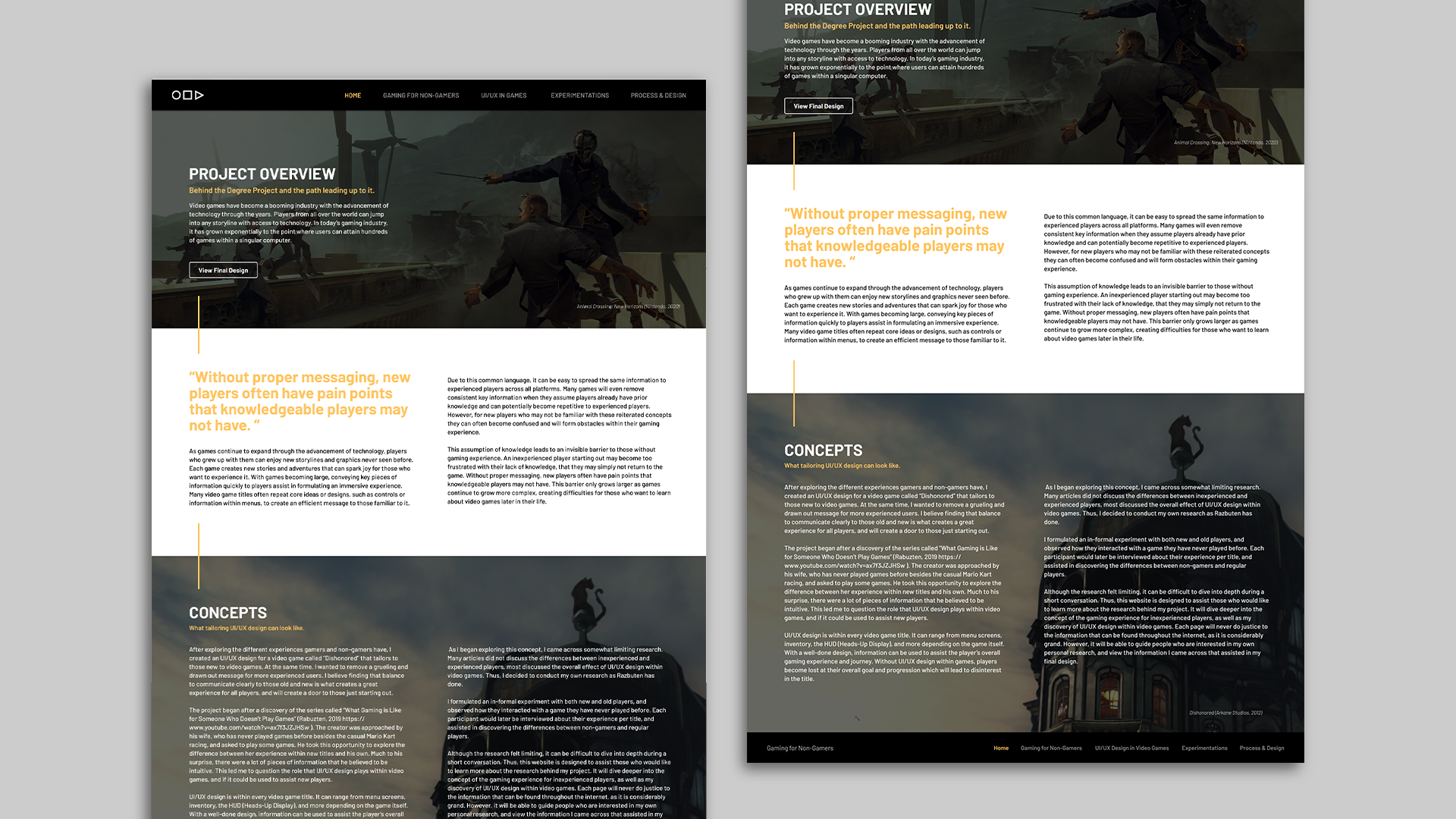
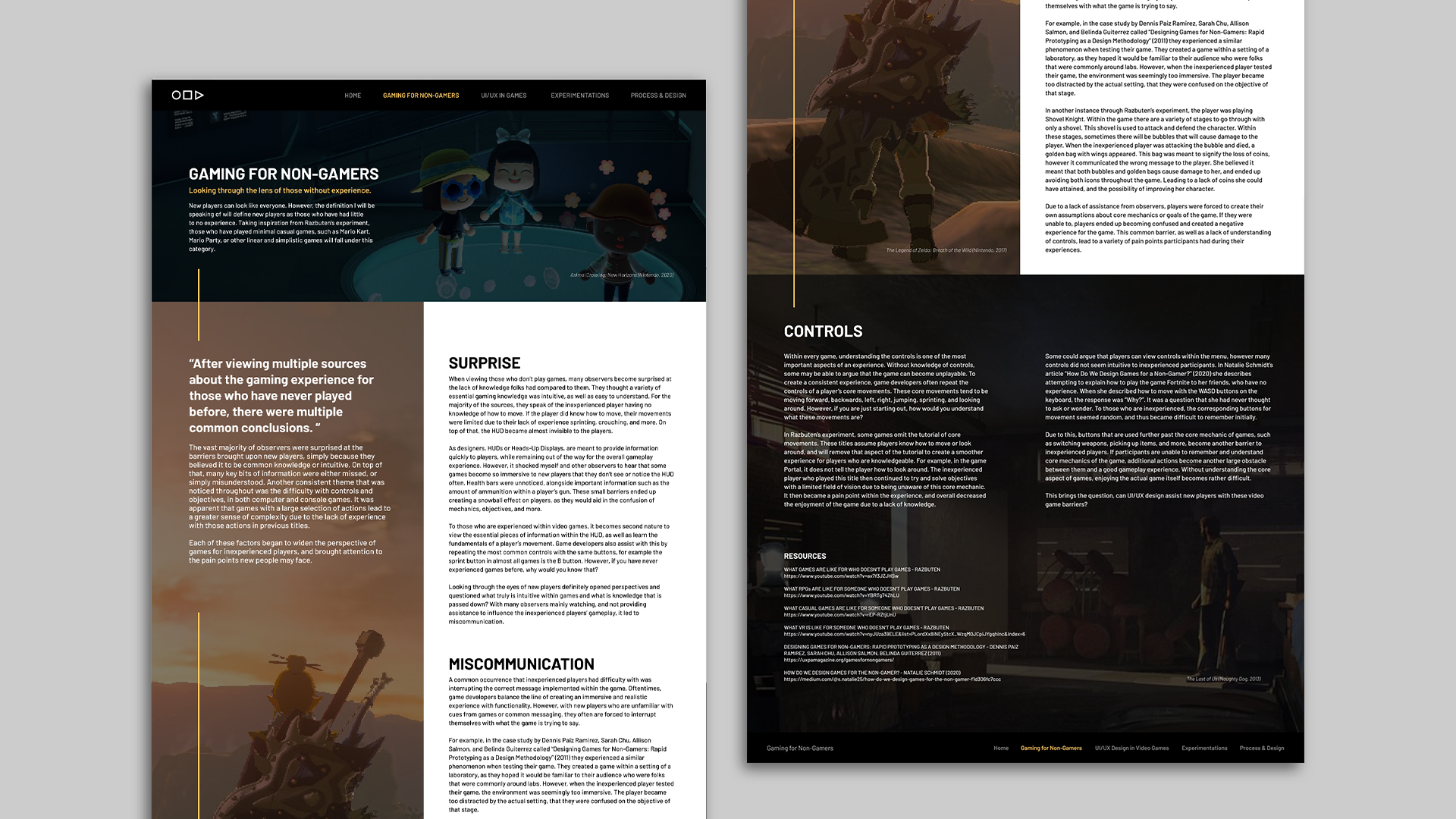
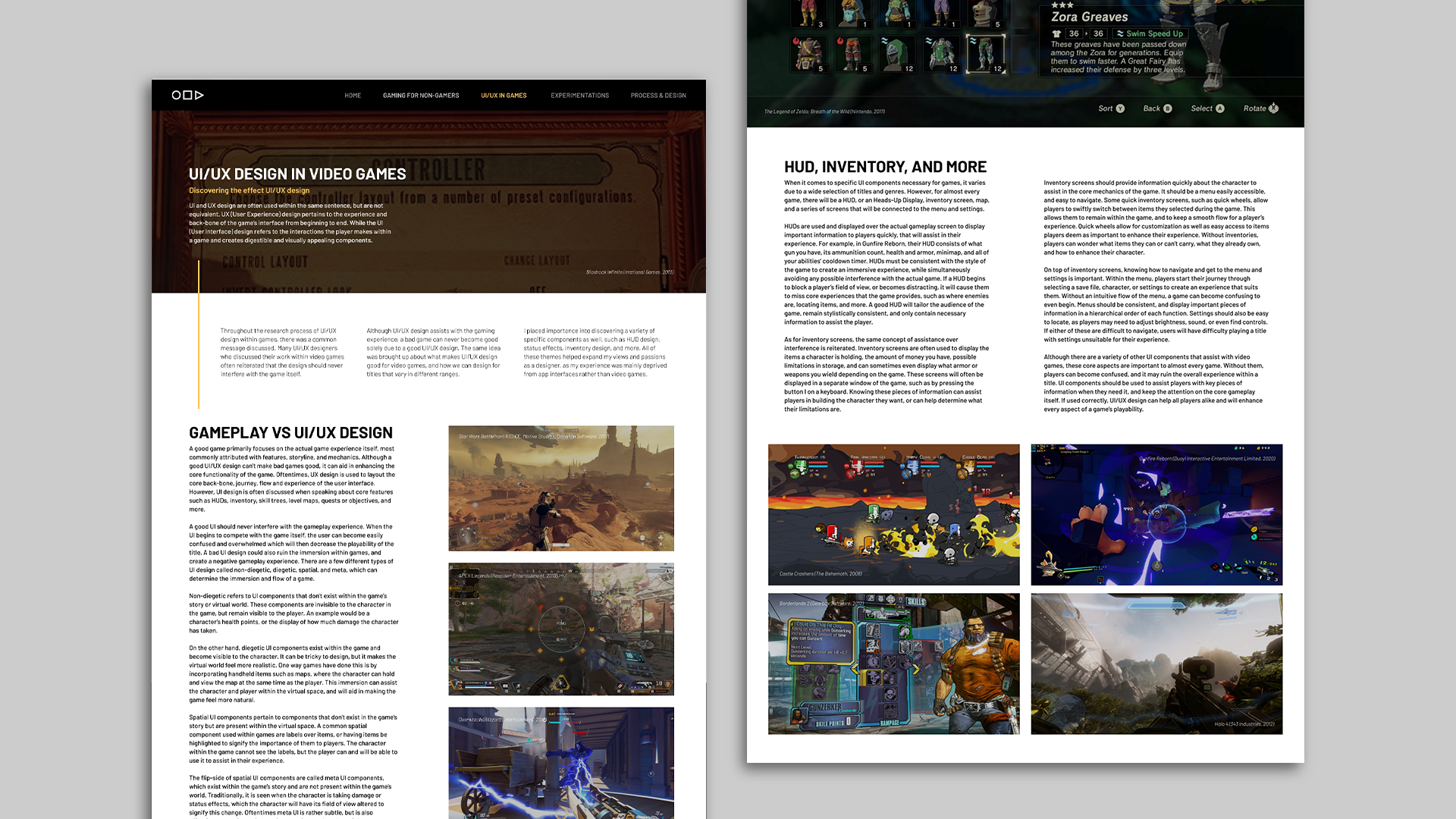
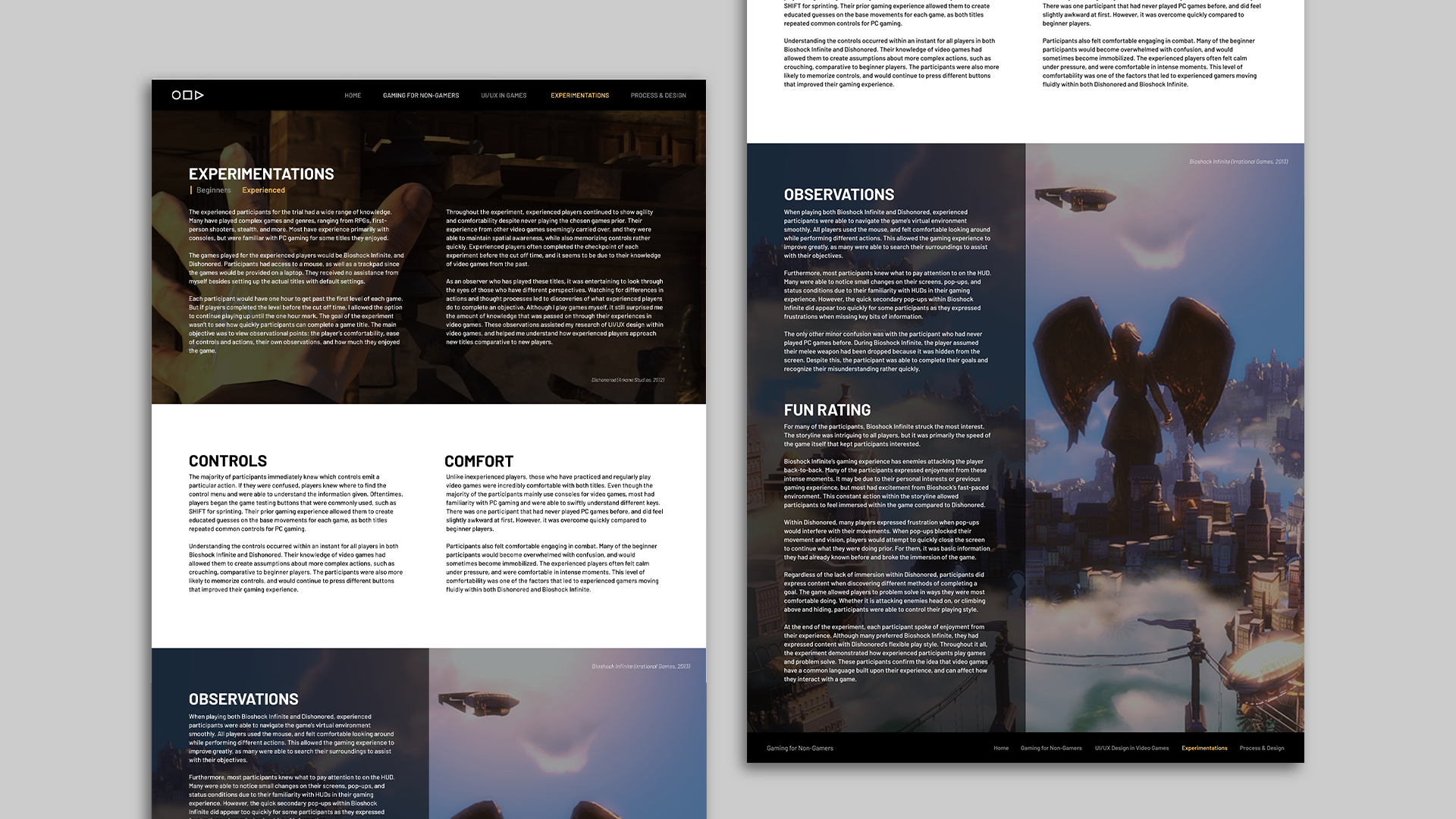
I decided to add a navigation bar at the top and bottom of each page to allow users free reign of different topics whenever they’d wish. However, I did create a flow for those who wanted to read about my research and project from start to finish. After, I created some wireframes for each page and I continued to flush out the design and completed each page in Figma. With this I’d be able to picture how I’d want the designs to look when coding.

The first initial designs I created were very rigid and did not flow properly. I ended up redesigning the pages to have the type closer together and simplify the type-hierarchy a bit more.

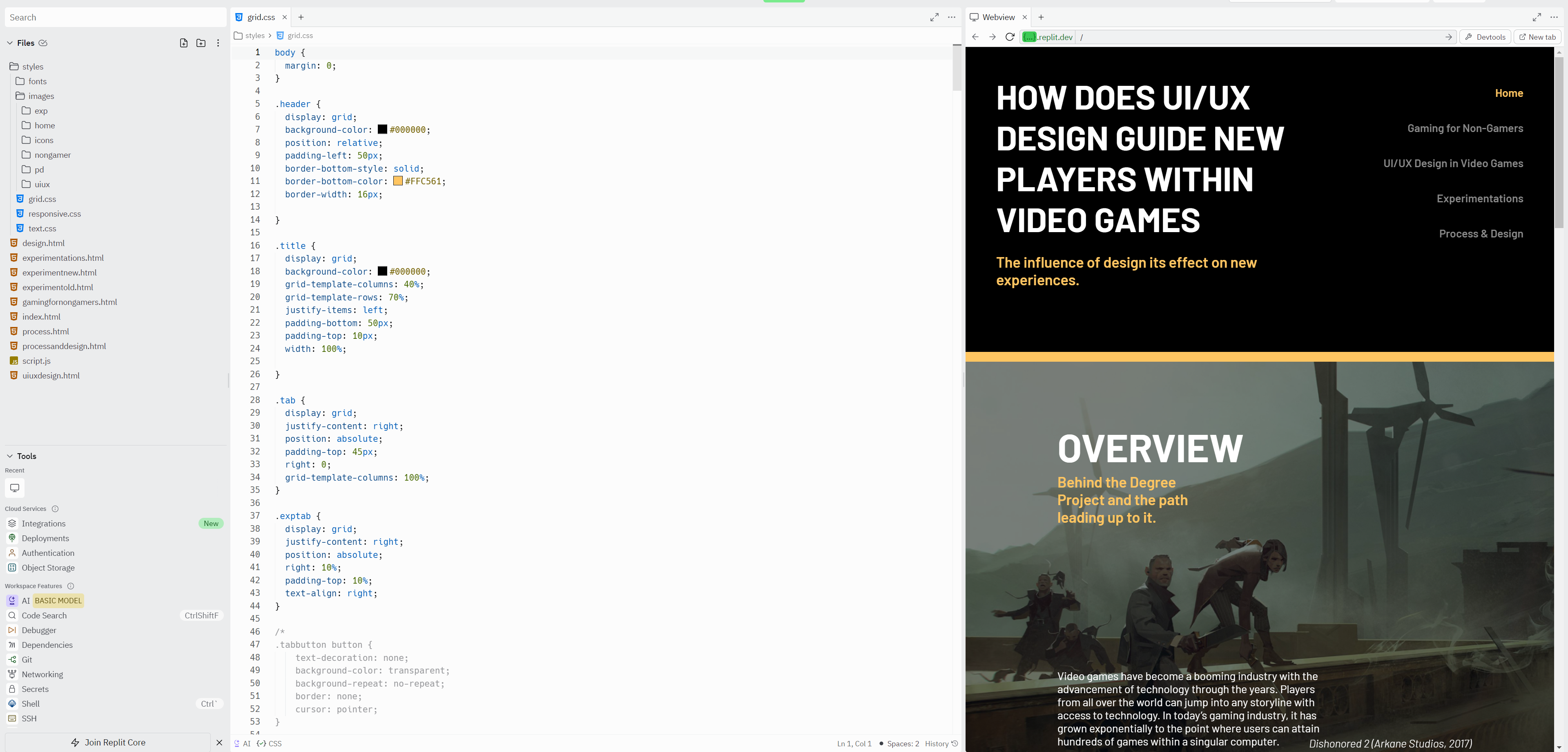
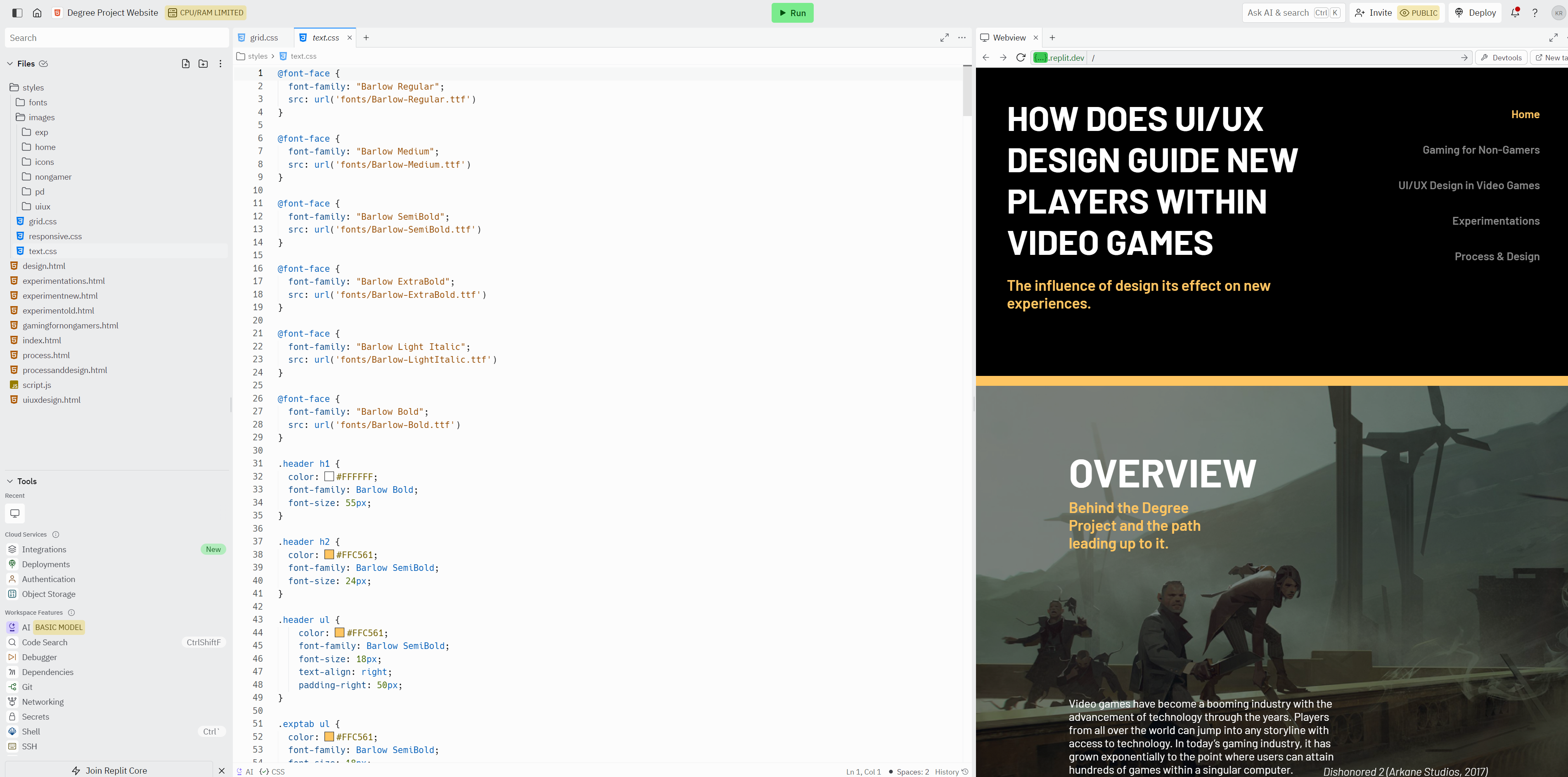
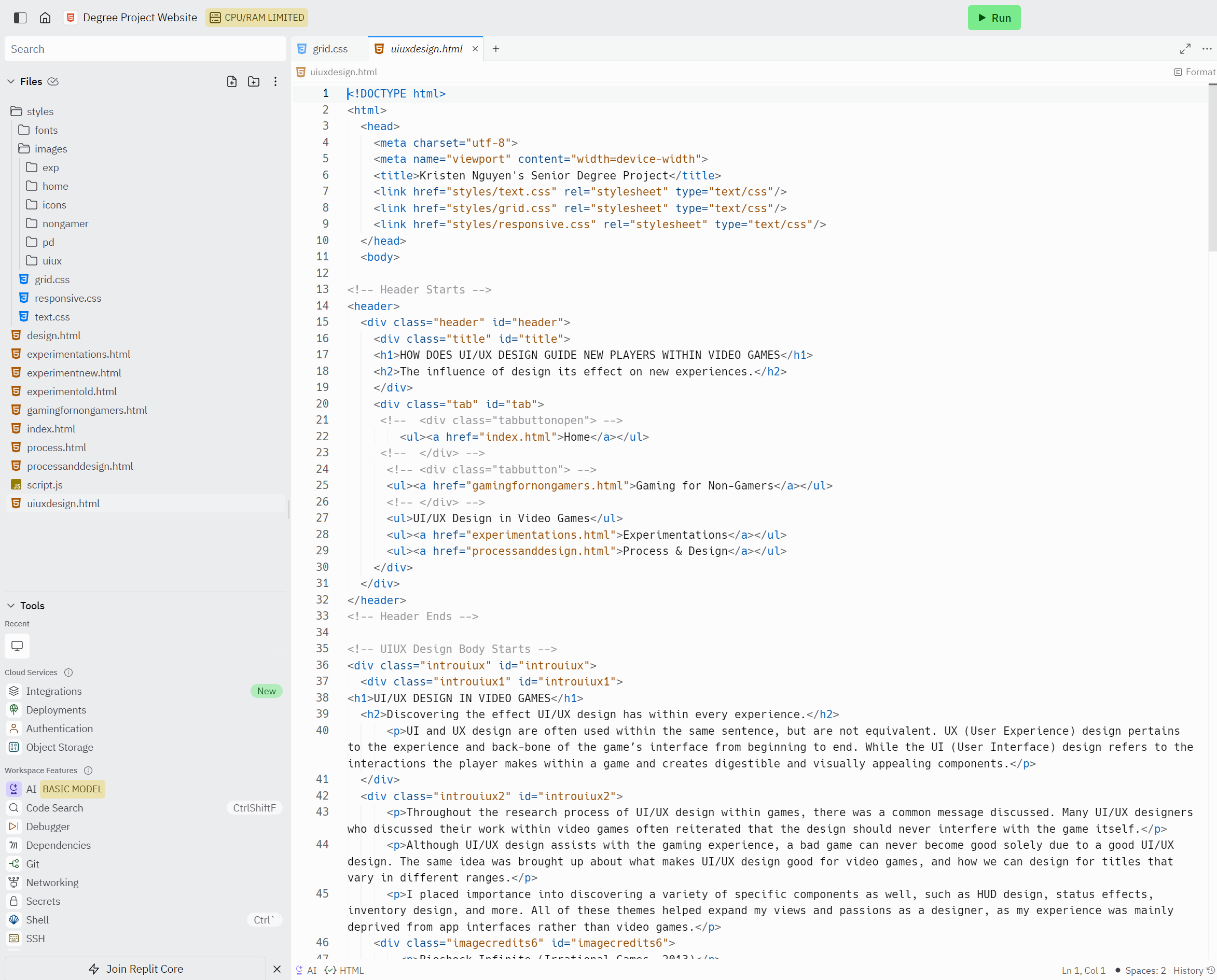
Once the coding process began, I ran into a few issues. For starters, the images and fonts were able to link properly on different screens, but they didn’t load properly. Because of how I had displayed each image, and set the text on each page, the website would break its layout depending on the browser’s screen size. The website was not responsive and as a temporary solution, I attempted to redesign the page for different display sizes on a separate CSS file. On this CSS file, I began to use percentages instead of pixels in hopes of solving this ugly accessibility issue. Although it was successful in the interim, it did cause images to appear repetitive if your screen did not fit the conventional sizes I had coded for.
RESULTS & TAKEAWAY

After revisiting this project many months later, I ended up scraping the large text for the navigation bar and creating a much more simplified iconography. The bottom of each page contains the text “Gaming for Non-Gamers”, but is significantly smaller than previous revisions.

Furthermore, the yellow bars are much quieter and used a bit more sparingly. Previously, the yellow lines were everywhere and became rather distracting. This change will hopefully place more emphasis on the content, rather than creating a focal point on decorative elements. In terms of layout, I also condensed the spacing a significant amount. With this change, the pages feel a bit shorter and makes it easier to consume information. It now takes half the amount of time it did previously to scroll through each page!

In the end, I wasn’t able to create a responsive website for publishing. Knowing a bit more about HTML and CSS, I hope to implement a better class and div structure, and add in more flex boxes to assist with the accessibility issues. As I'm beginning to also learn JavaScript, I hope to also add in more animatic elements to make the website a bit more dynamic in the future.

But for now, I created the final screens within Figma and prototyped each screen. The displays and reading pace are a lot smoother than in previous versions. Once I am able to fully develop the website, I’d like to be able to test this with a small group to see how long it takes for them to read the information, what concepts they were able (or not able!) to grasp, and if it was difficult read. This project took months, but every step was exciting and fun for me. I loved being able to continue the conversation about non-gamers’ experiences within video games and being able to communicate the concept with others!